
Cute n Bubbly ✨Learn To Animate in After Effects!
For a while now, I’ve been such a big fan of chillhop, or lo-fi, music. If you’re not familiar, lo-fi is music that puts you in an entranced mood where your attention focuses on the moment at hand. Its relaxing and repetitive beats are exactly what I need when I want to wind down, feel cozy, or just get things checked off my to-do list. I love it!
A lot of these lo-fi channels on YouTube tend to be made up of a beautiful illustration that has really subtle movements. Maybe there’s a window that’s open and the curtain will dance in the wind or a girl reading a book and she turns the page every so often. I got really inspired by these subtleties and began incorporating them into my work! It gave my illustrations such a relaxing and serene feel, not to mention people really enjoyed them!
I decided to make a tutorial on how to make your own subtle animation! I wanted to make it a simple beginner’s tutorial for after effects so I’ve thoughtfully put together an introduction to some of the basics in After Effects to help you become more familiar with the program. The program is pretty intimidating at first, so I wanted to help create an atmosphere of fun and curiosity instead of fear and self-doubt. If you’re coming to this blog post from my tutorial on YouTube, hello! 👋🥰 I am so thrilled to see you’re interested in following along and creating your own animation! I’ve linked my project files at the bottom of this post if you would like to follow along with my illustration. All I ask is that you credit me for the illustration if you decide to share it on your own social media accounts!
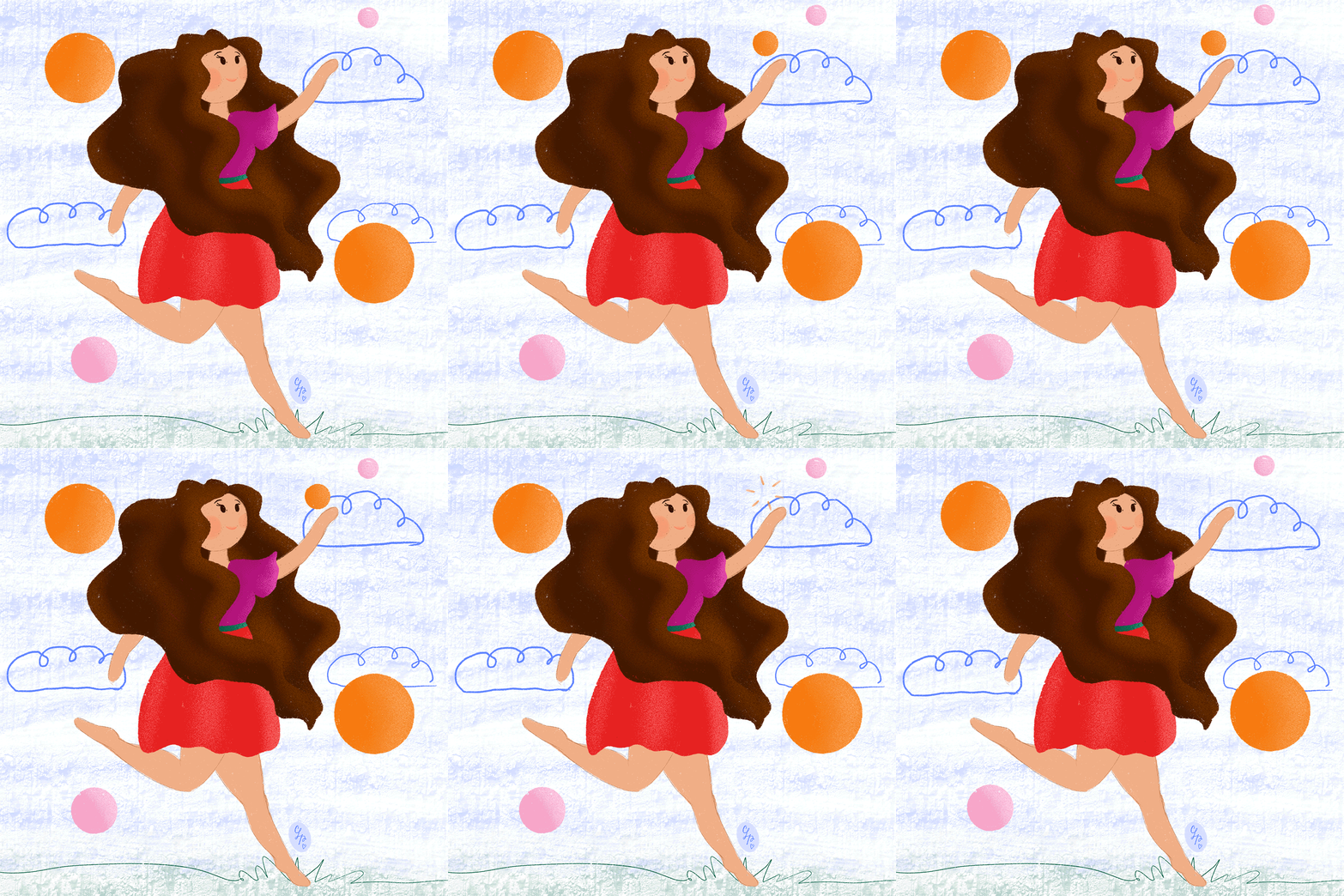
If you’re not coming from YouTube and still want to learn how to make an animated illustration like this, I’ve linked my video down below for you as well!
If you decide to animate your own illustration, I do have a few tips I want to mention.
Be sure to use an drawing program that allows you to work in layers, such as Procreate, Adobe Illustrator, Adobe Photoshop. If you’re looking for a more affordable alternative, Krita is a great drawing program that’s free and has so many incredible features! You can definitely create your own elements within After Effects as well! There’s so many tools you can use to create shapes and more!
Make sure whatever you part of your illustration want to animate is on its own layer. So if you draw a dog in a field with the sun in the background all on the same layer and you want to animate the sun, you won’t be able to since it’s on the same layer as the rest of your elements. Make sure whatever you want to animate is on its own layer. '
Name and organize your layers accordingly so that when you import your files into After Effects, you know which layer you are working with.
Be sure to save your file as a source file. So if you’re working with photoshop, save it as a .psd file (photoshop file) so that you retain your individual layers when you open it up in After Effects.
You can download my project files here!
It makes me so happy to see when people recreate my work, so if you do recreate this or follow along using my illustration, please tag me! Because I would love to see your work! You can find me on instagram, my handle is @claudialunapriego.
Animation is so much fun! There are so many ways to express emotion or captivate your audience with a story just through the use of subtle movements. I really loved teaching this tutorial, so thank you so much for taking the time to watch it! It means so much to me! 💕I hope that it’s helpful to you and that it shows you that you can do anything you set your mind to!
Happy animating!
xx,
Claudia